People setting up a first real budget, and anyone who has been told to keep six months of expenses and wants to know what that actually costs in months of saving.
How it works
- Enter gross pay and what is withheld: the split belongs to what arrives.
- Set the three shares, or keep 50/30/20 and see what it implies.
- Enter what you must spend each month if you know it, and how much is already set aside.
- Read the months-of-saving column next to the months-of-cover you asked for.
What you gain
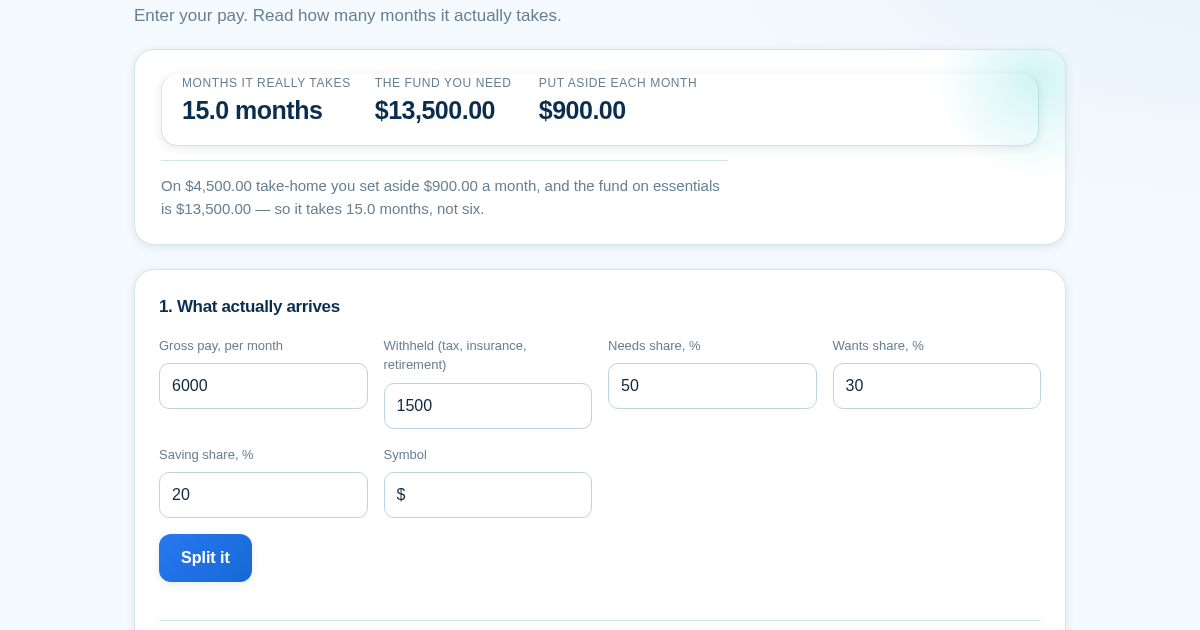
- Shows the true number of months your emergency fund needs, built from your real take-home pay and essential spending instead of a rule of thumb that quietly contradicts itself.
Screenshot
Technical details
How to set up & use
- Buy the license — your key (lic_...) appears on the order page and in your email.
- Sign in at app.synoriaai.com with your license key.
- No installation — the product runs in your browser, on your own isolated instance.
- 1. Enter your gross monthly income and the amount withheld from it (taxes, benefits, etc.).
- 2. Adjust the percentages for needs, wants, and savings if you like — they default to 50/30/20 but are fully editable.
- 3. Click 'Calculate take-home' to see your take-home pay and the shortfall that comes from budgeting on gross.
- 4. Enter how many months of essential spending you want your emergency fund to cover (e.g., 6).
- 5. Click 'Calculate fund size' to see the target amount based on your essential spending, not your income.
Frequently asked questions
What does this tool actually calculate?
It compares the 50/30/20 rule's saving target against the time it takes to reach it, using your take-home pay and real essential spending. It shows the contradiction: at the recommended saving rate, a six-month fund takes fifteen months to build.
Is my data safe or stored anywhere?
No. Everything you enter stays in your browser and is never sent to a server. The calculations happen locally on the page, and nothing is saved or tracked.
Does it use my gross income or take-home pay for the fund size?
It uses your take-home pay (after withholding) for the saving rate, and your essential spending for the fund target. If you don't enter essential spending, it uses the needs share of take-home as a stand-in and clearly says so.
Related products
Calculadora de Tarifas para Autónomos
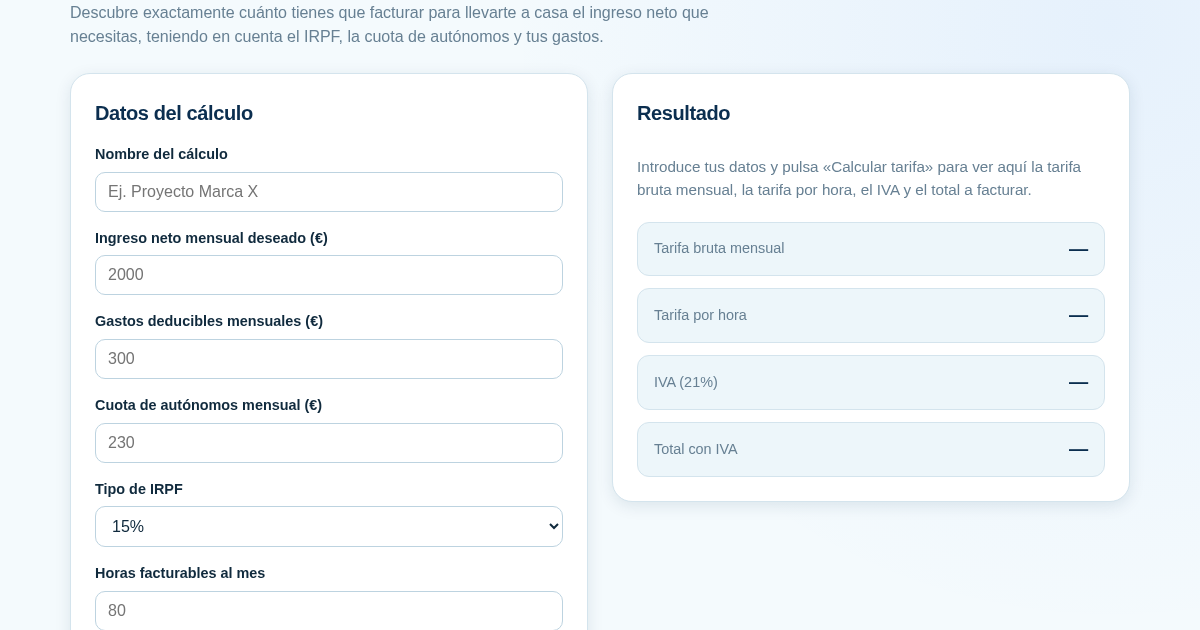
Muchos autónomos fijan sus tarifas sin saber cuánto necesitan facturar realmente para alcanzar el ingreso neto que quieren. Esta calculadora parte del neto mensual deseado y calcula la facturación bruta necesaria…
Ledger & Trial Balance Practice Tool
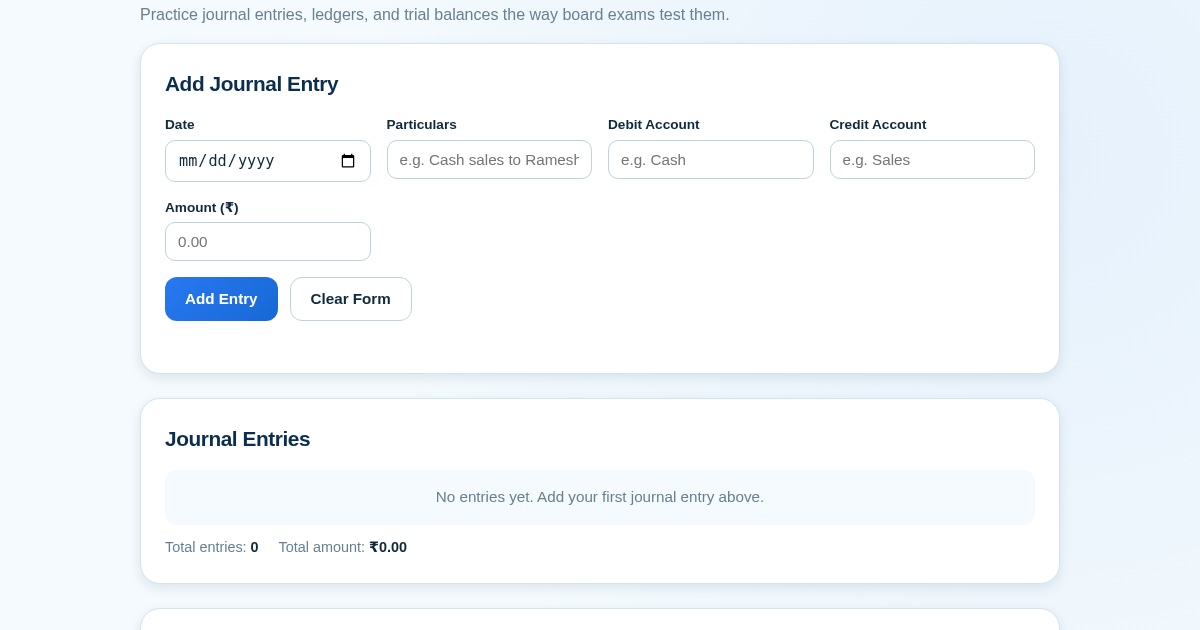
Commerce students in Class 10-12 need to practice journal entries and see how they flow into ledgers, trial balances, and balance sheets for board exams. This tool lets them enter transactions and instantly see the…
KASA - Serbest Çalışanlar İçin Zarf Bütçesi
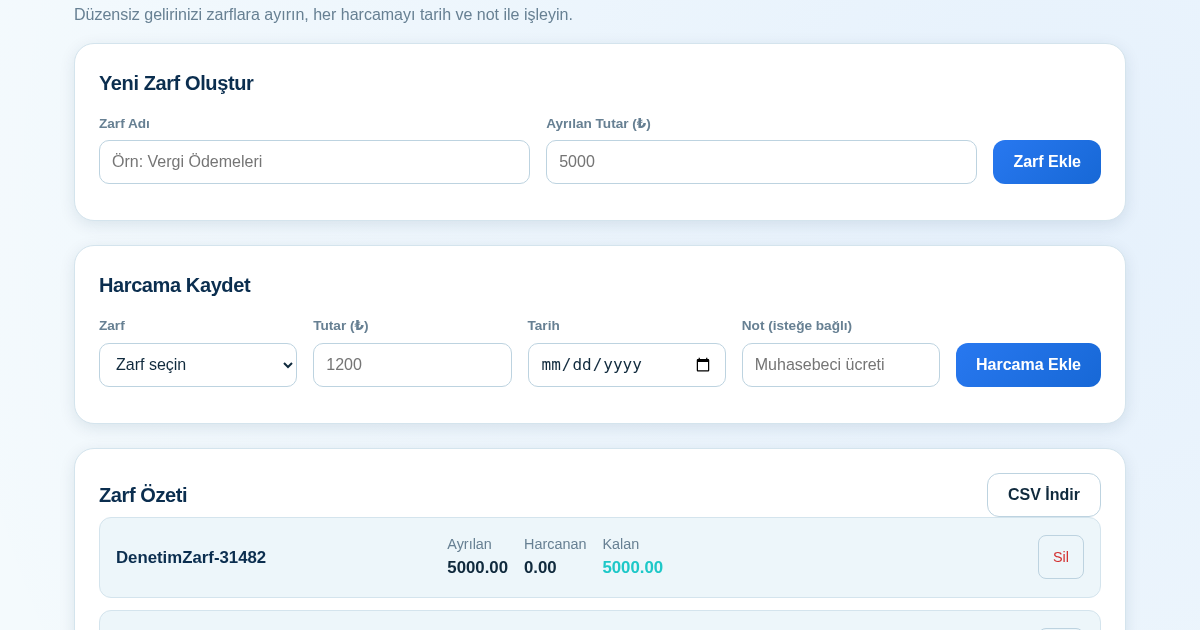
Serbest çalışanlar düzensiz gelirlerini vergi, kira ve yaşam giderleri gibi zarflara bölerek bütçelerini düzenli tutabilir. Her harcamayı tarih ve not ile ilgili zarfa işleyerek ne kadar ayırdığını ve ne kadar…
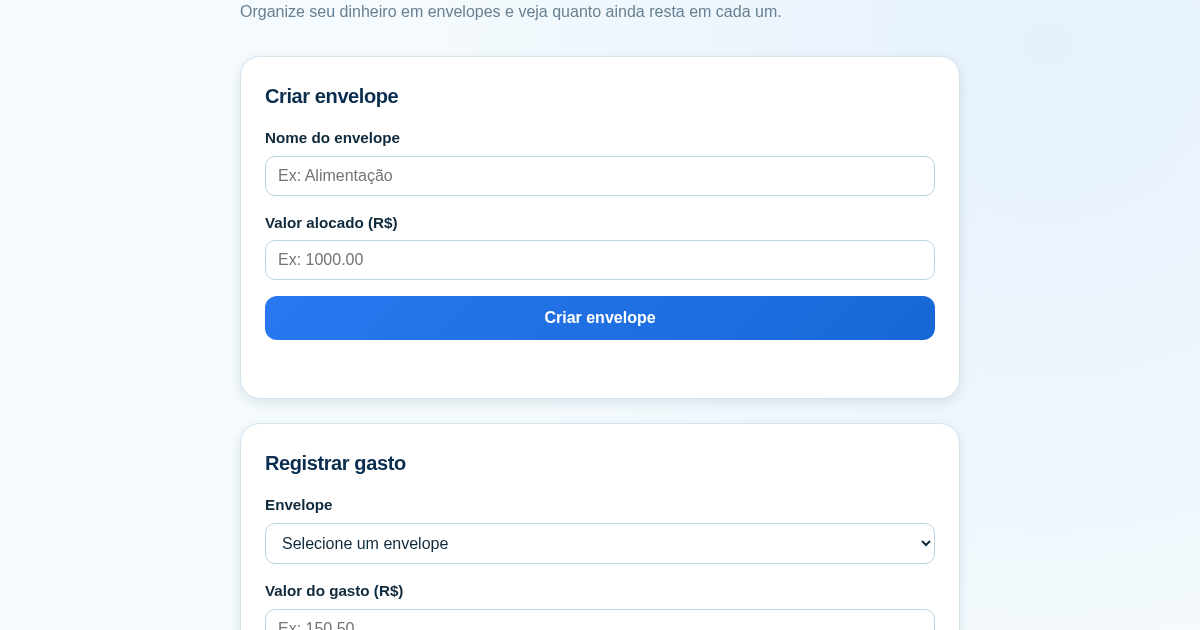
Calculadora de Orçamento por Envelopes (Pix)
Este aplicativo ajuda brasileiros a organizar seu dinheiro em envelopes de orçamento, como alimentação, transporte e lazer, sem precisar conectar uma conta bancária. Ele resolve o problema de controlar gastos do dia a…